
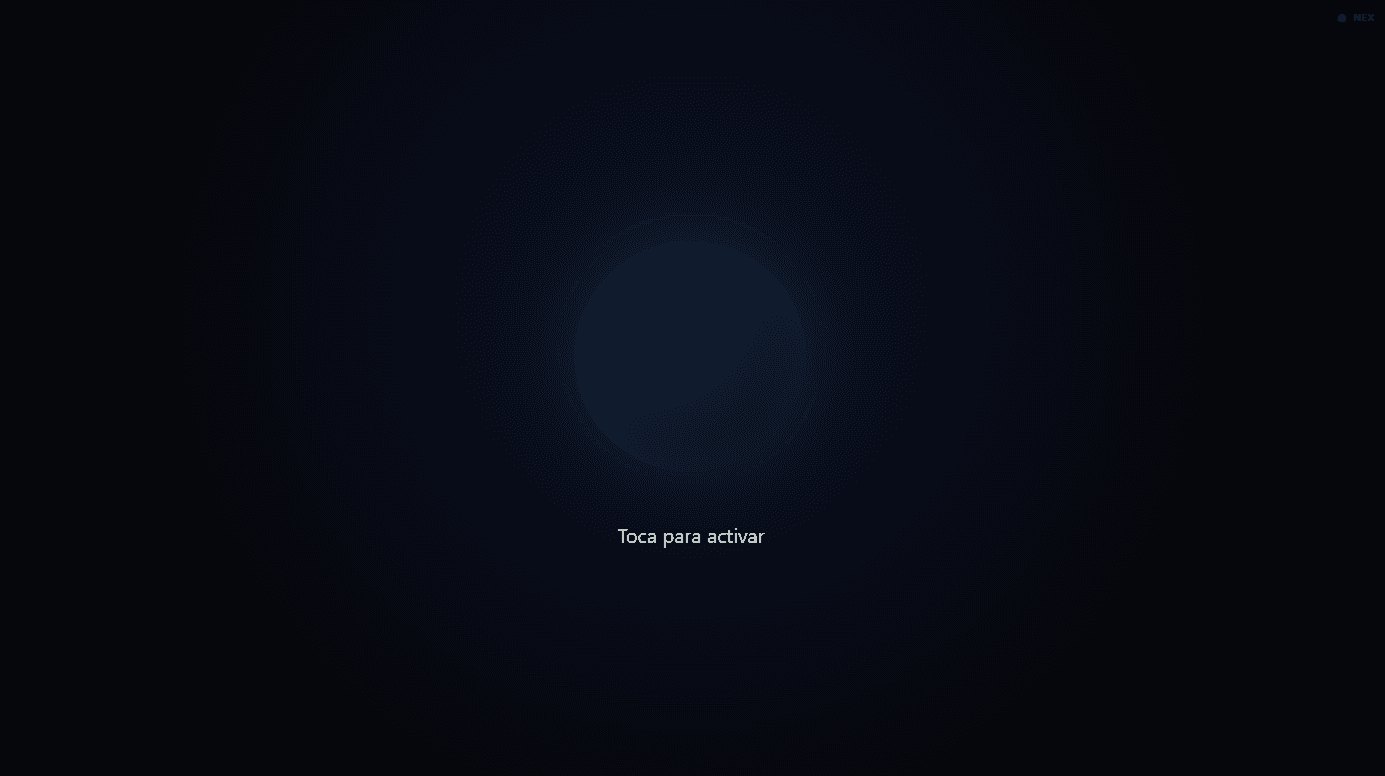
Lea is an in-browser voice assistant: a minimal orb, wake word, streaming replies, and natural TTS. Built for touch screens, kiosks, and web deployments such as lea.grisbope.com.
Tap the orb, say Lea, Alexa, or Jarvis, speak, and hear the reply.
My role
I designed and built the voice experience end to end: visual states, wake-word activation, audio capture, streaming replies, and speech synthesis for an interface meant for touch screens.
Key decision
I deliberately removed chat and keyboard. The orb holds the whole interaction and communicates each state with color and motion, so the experience can be understood at a distance and without visual noise.
What it does
Voice-only interface: no chat, no keyboard, no visual clutter. The orb changes color by state:
| State | What happens | |--------|------------| | Idle | Listens for the wake word or waits for a tap | | Listening | Captures your phrase | | Thinking | Queries OpenClaw | | Speaking | Replies with streaming TTS | | Error | Brief message, then back to idle |
Barge-in: if you speak while it is answering, it interrupts and listens again.
Sign-off: "goodbye", "thanks Lea", "see you later" → returns to rest.
Result
Lea became a deployable web assistant for kiosks and touch surfaces, with voice conversation, interruption during the reply, and an interface that returns to rest when the exchange ends.
Stack
- React 18 + Vite 5 + Tailwind CSS
- Web Speech API + VAD (Silero ONNX on the client)
- OpenClaw as the conversational backend (SSE streaming)
- OpenAI for STT/TTS (configurable)
- Docker + nginx for production
Links
- Repository: github.com/grismaldo/lea
- Demo: lea.grisbope.com